
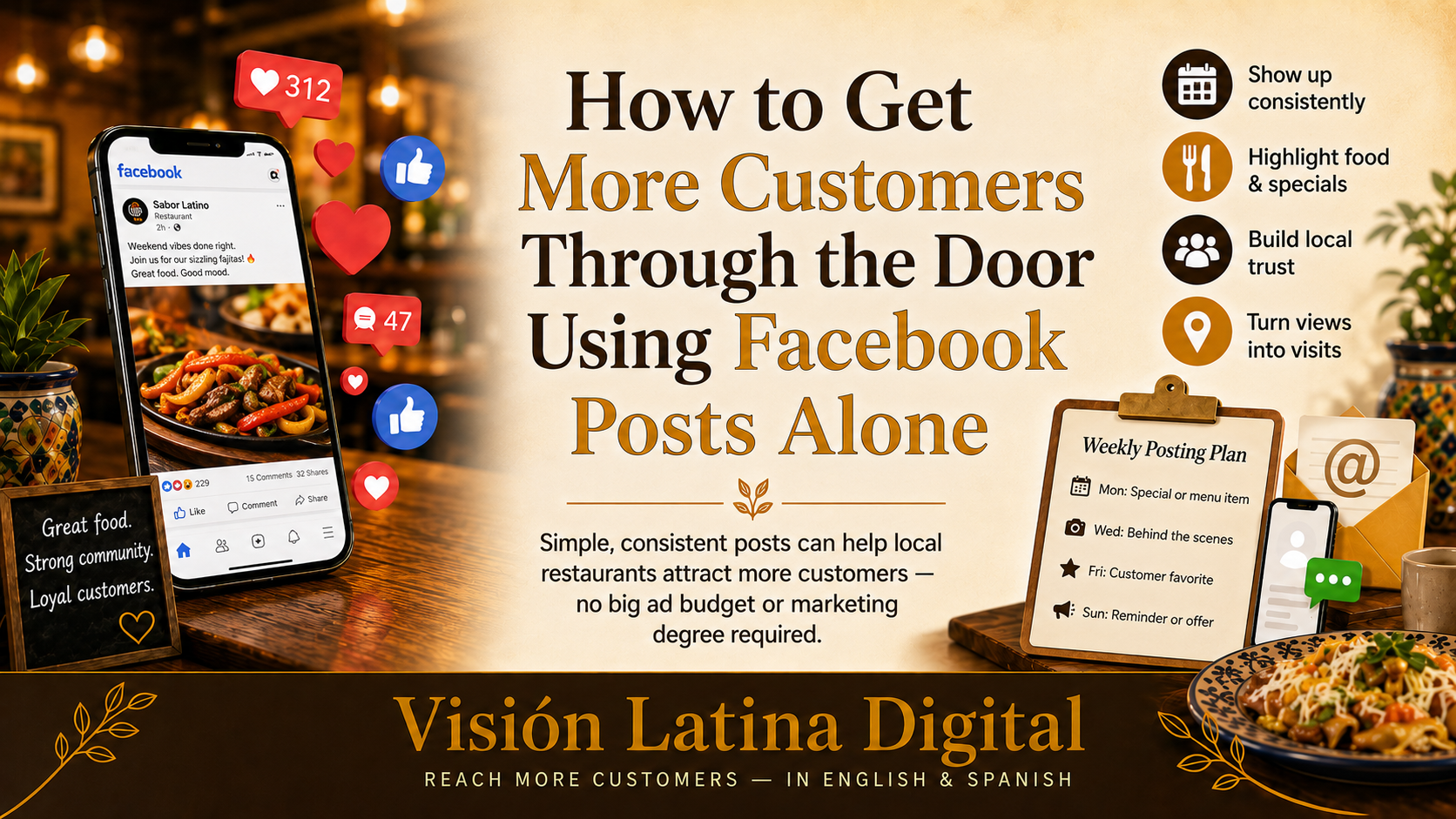
You don't need a big ad budget to fill your tables. You don't need a marketing degree or a social media manager on payroll. What you do need is a simple, consistent Facebook posting routine — and the knowledge of what actually works for local restaurants.
This guide breaks it all down for you. Whether you're just starting out on Facebook or you've had a page for years but never really used it, you'll walk away with a clear weekly plan that turns your Facebook page into a real customer magnet.
Why Facebook Still Matters for Your Restaurant
Some people will tell you Facebook is dead. Those people are not running local restaurants.
For Latino restaurant owners in cities and towns across the U.S., Facebook remains one of the most powerful free tools available — especially for reaching the 35-55 age group that makes up a huge chunk of regular diners. Plus, Facebook's local discovery features mean your posts can reach people in your neighborhood who are actively looking for a place to eat.
Here's the truth: most of your competitors are not using Facebook well. That means the bar is lower than you think, and a little consistency goes a very long way.
The #1 Mistake Restaurant Owners Make on Facebook
Posting randomly — or not posting at all.
Many restaurant owners post a photo when they feel inspired, then go silent for three weeks. The Facebook algorithm rewards consistency. If you post regularly, Facebook shows your content to more people. If you disappear, it stops showing you to anyone.
The fix? A simple weekly posting routine you can actually stick to.
Your Simple Weekly Facebook Posting Plan
You don't need to post every day. For most independent restaurants, 3 to 4 posts per week is the sweet spot — enough to stay visible without burning yourself out.
Here's a proven weekly structure:
Monday — Start the Week with Appetite
Post type: A crave-worthy food photo
Monday is when people are planning their week. A beautiful, well-lit photo of your best dish — your birria, your mole, your signature taco plate — is exactly what stops the scroll.
- Use natural light whenever possible (near a window works great)
- Keep the background clean and simple
- Write a caption that tells a little story: "Our birria de res has been simmering since 5am. Come taste what that smells like."
Tip: You don't need a fancy camera. A modern smartphone camera is more than enough — just clean the lens first.
Wednesday — Give People a Reason to Come In
Post type: A mid-week offer or special
Wednesdays are typically slower for restaurants. Use this day to create urgency with a special offer or limited-time plate.
Examples:
- "Wednesday only: Order any combo plate and get a free agua fresca."
- "We just made a fresh batch of tamales — first come, first served. Only 40 available today."
- "Family meal deal every Wednesday — feed four people for $35. Dine-in only."
Why this works: People are already thinking about where to eat midweek. A real, specific offer gives them a reason to choose YOU.
Friday — Build the Weekend Buzz
Post type: Behind-the-scenes or a personal moment
Friday is about energy and excitement. Show people what's happening in your kitchen. Introduce a team member. Share a quick video of the prep happening for the weekend rush.
Ideas:
- A short Reel or video of your cook preparing a signature dish
- A photo of your team before the dinner rush with a fun caption
- A "guess what's on the menu this weekend" teaser post
People eat at restaurants they feel connected to. This kind of content builds that connection without saying a single word about marketing.
Sunday — Gratitude and Community
Post type: A thank-you or community shoutout
Sunday is a high-traffic day for family dining, and it's also a great moment to show your human side.
Try:
- Thanking your customers for a great week: "Gracias to everyone who came in this weekend — you make this all worth it."
- Sharing a customer review (screenshot it and post it)
- Highlighting a local event, school, or cause you support
This is the post that makes people loyal, not just hungry. Community connection is your biggest advantage over chain restaurants — use it.
What to Write in Your Captions (Even If You Hate Writing)
You don't need to be a writer to write a great Facebook caption. Just follow this simple formula:
- Hook — Start with something that grabs attention. A question, a bold statement, or a sensory detail. ("This plate took 6 hours to make.")
- Details — Tell them what it is, what makes it special, or what the offer is.
- Call to action — Tell them what to do next. ("Come in today," "Call to reserve your spot," "Tag a friend who needs this.")
Keep it short. Two to four sentences is usually plenty. Write the way you talk — people can feel when something is authentic.
The Best Times to Post for Local Restaurants
Timing matters. According to multiple studies on restaurant social media engagement, these are the highest-performing windows:
- Tuesday–Friday: 11am–1pm (lunch consideration window)
- Wednesday–Friday: 4pm–6pm (dinner planning window)
- Saturday–Sunday: 9am–11am (weekend brunch and lunch planning)
Pro tip: Use Facebook's built-in scheduling tool to write your posts in advance and set them to go live at the right time. This saves you from having to post in the middle of a busy lunch rush.
How to Get More Reach Without Paying for Ads
Facebook posts that generate comments and shares reach more people — for free. Here's how to encourage that:
- Ask a question in your caption. ("What's your favorite dish on our menu? Tell us below!")
- Run a simple contest. ("Tag a friend you'd bring to dinner — we'll pick one pair to win a free appetizer.")
- Respond to every comment. Facebook rewards pages that have active conversations. Even a simple "Thank you! See you soon 🙏" counts.
- Share your posts to local Facebook groups. Many cities have neighborhood groups, foodie groups, or community pages where you can share your specials (check each group's rules first).
Track What's Working (It's Easier Than You Think)
You don't need to be a data analyst. Just check your Facebook Page Insights once a week — it's free and built right into your page.
Look at:
- Which posts got the most reach (how many people saw it)
- Which posts got the most engagement (likes, comments, shares)
- What time your audience is most active
After a month, you'll start to see patterns. Double down on what works. Drop what doesn't.
A Few Extra Tips to Make Your Facebook Page Shine
Before any of this works, your page needs to be set up properly. Take 20 minutes to check these:
- ✅ Your profile photo is your logo (clear and recognizable)
- ✅ Your cover photo shows your food or your restaurant interior
- ✅ Your hours, address, phone number, and website are all current
- ✅ You have a "Book Now" or "Call Now" button activated
- ✅ Your About section describes your restaurant and mentions your city/neighborhood
These basics make a huge difference for people who find your page and want to visit.
The Bottom Line
Getting more customers through the door using Facebook posts alone is absolutely possible — and it doesn't require a big budget or a marketing team. It requires consistency, authenticity, and a little strategy.
Start with three posts a week. Use the weekly structure above. Write captions in your own voice. Engage with the people who comment. And keep showing up — because the restaurant owners who stay consistent are the ones who build the kind of loyal local following that no ad budget can buy.
Ready to Take Your First Step?
Pick one post from this week's plan and publish it today. Don't wait until it's perfect — done is always better than perfect in social media. Take a photo of your best dish right now, write two sentences about it, and hit post.
Your future regulars are scrolling Facebook right now. Make sure they find you.
Want more practical tips like this delivered straight to you? Bookmark this page and check back regularly for new guides built specifically for restaurant owners like you.
```